
Haba Digitalwerkstatt Art Studio
© 2019 Haba Digital GmbH
$2.99
5-up
Teaches: art, creativity, vector art, shapes, geometry
CTR Review
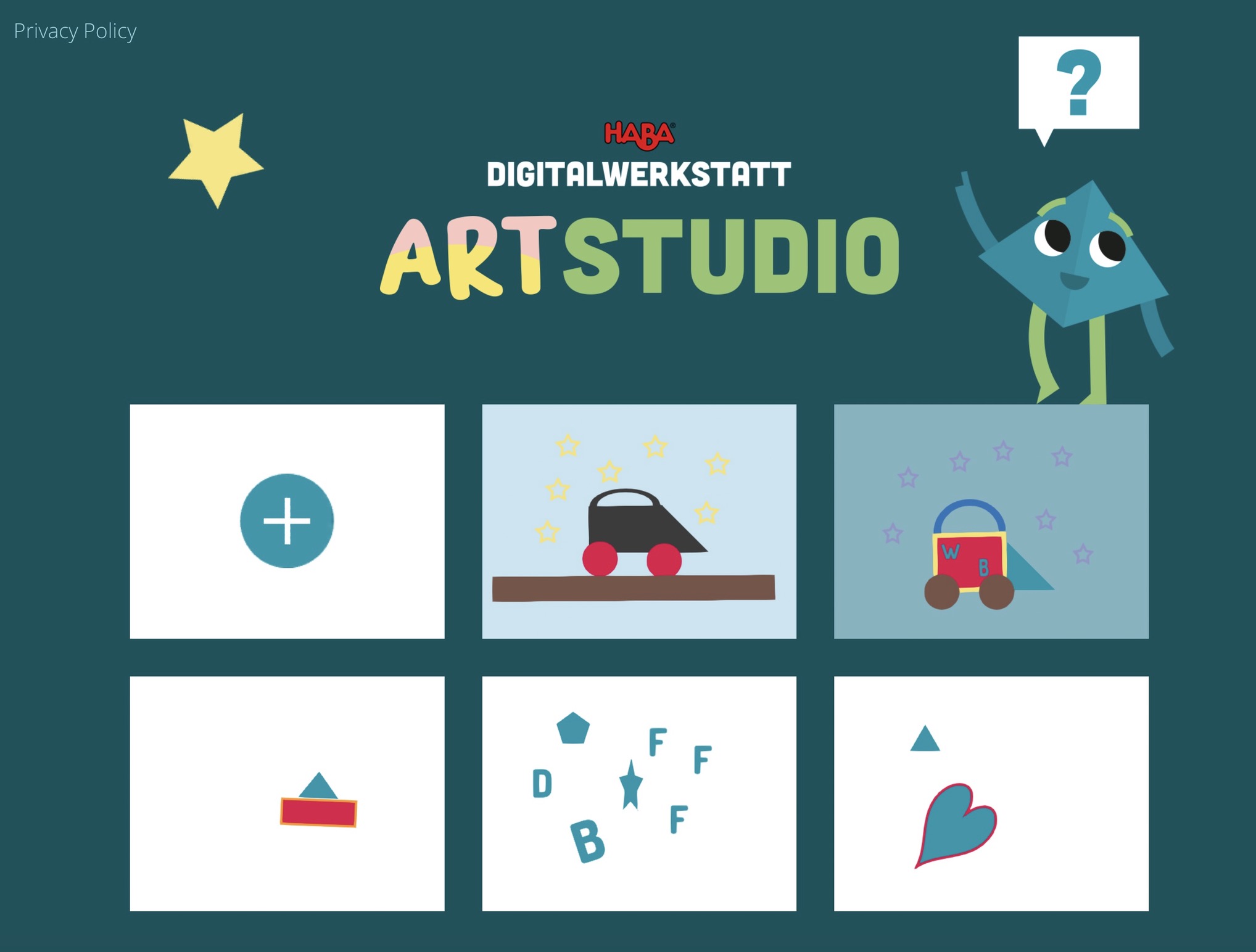
This is a vector art shape editor with a mild but significant learning curve. Be sure to watch our testing video to see what this app is, and isn't.
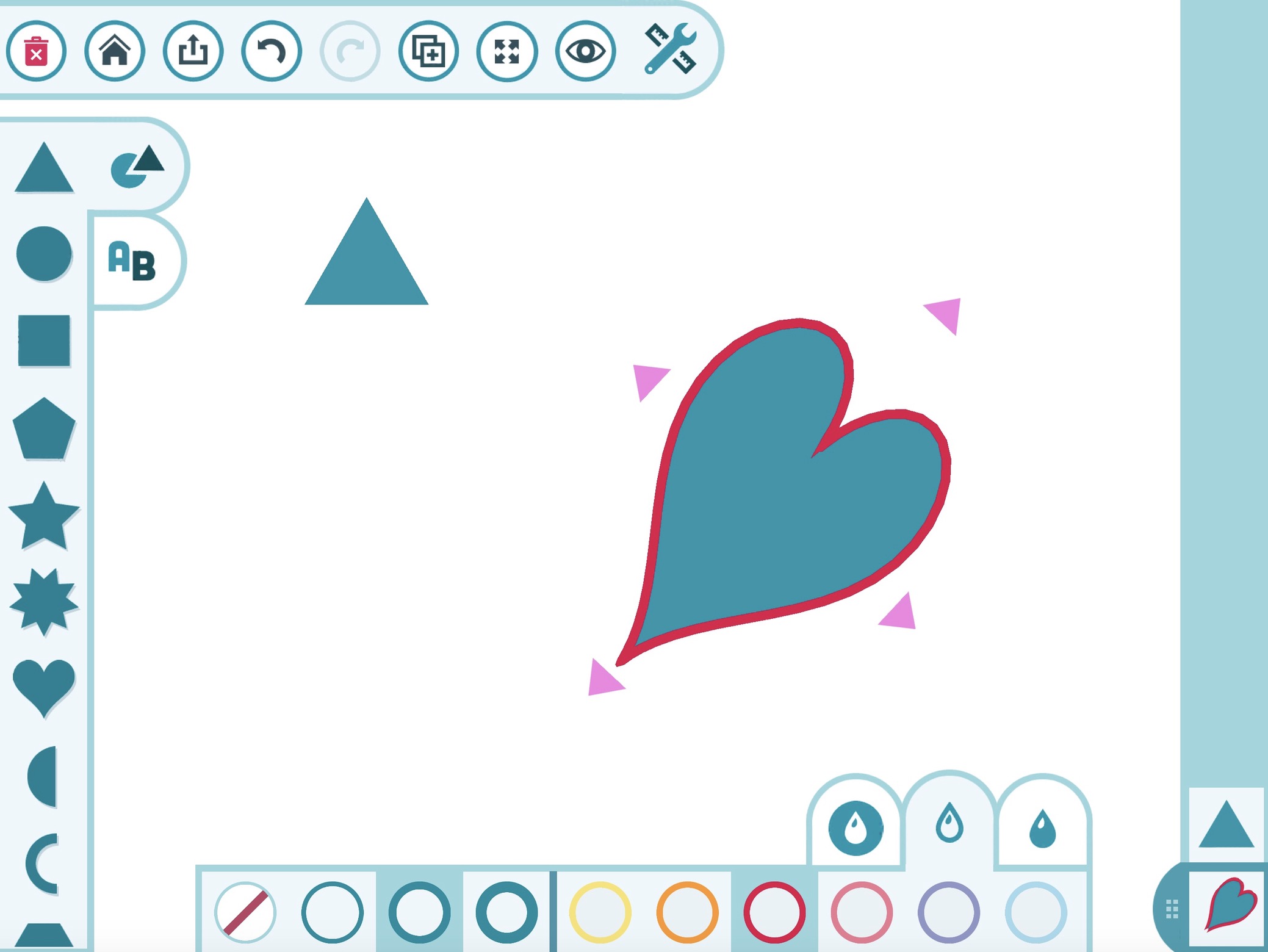
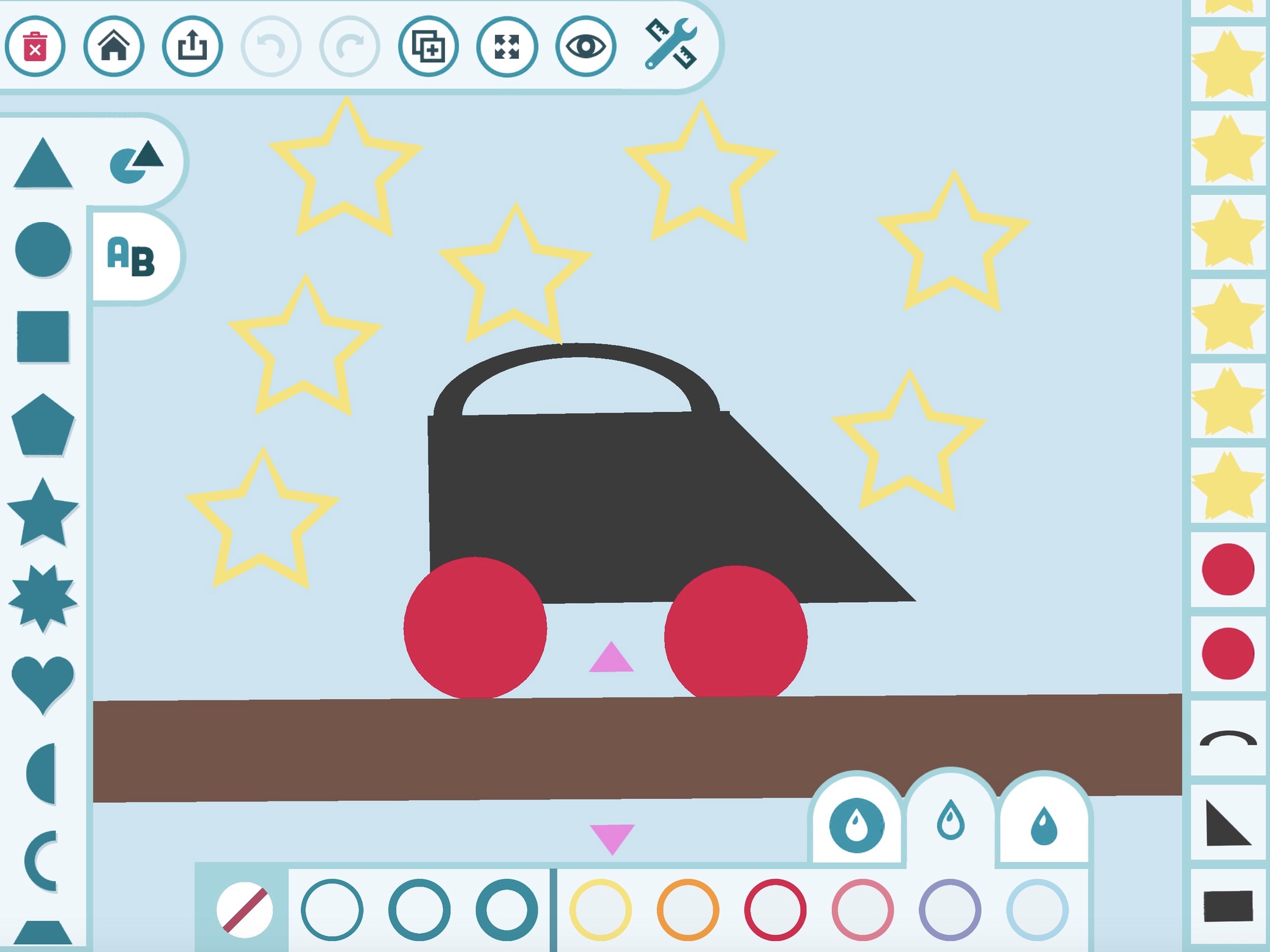
If you think you're going to make a sketch or drawing, you'll be disappointed. Instead, you build illustrations by selecting and resizing shapes or letters, one at a time. The "handles" on each shape make it easy to stretch or flip a shape, and a set of color controls lets you change the outline or interior colors. It can be tricky to line up shapes (we would've liked a better nudge feature). There is also an "undo" option. Jumping from one shape to another requires changing layers -- a process that can be confusing because you can't see the layers (why not a simple double tap to jump to another shape?). Work is saved automatically, and it is easy to export a project. There are no sounds. The bottom line? This app has potential, but also has limitations that are important to understand before purchasing.
If you think you're going to make a sketch or drawing, you'll be disappointed. Instead, you build illustrations by selecting and resizing shapes or letters, one at a time. The "handles" on each shape make it easy to stretch or flip a shape, and a set of color controls lets you change the outline or interior colors. It can be tricky to line up shapes (we would've liked a better nudge feature). There is also an "undo" option. Jumping from one shape to another requires changing layers -- a process that can be confusing because you can't see the layers (why not a simple double tap to jump to another shape?). Work is saved automatically, and it is easy to export a project. There are no sounds. The bottom line? This app has potential, but also has limitations that are important to understand before purchasing.

CTR is not an affiliate and does not receive any revenue from app or product sales.
0 Comments